GNOME, as it ships
A normal GNOME desktop with StrataOS colors and wallpapers, plus Strata Center for updates, drivers and extras.

A stable immutable foundation with freedom above it
x86_64 · UEFI · development preview
StrataOS is built on GNOME OS. The base system is a read-only image that updates as one piece, and everything you add lives on top of it.
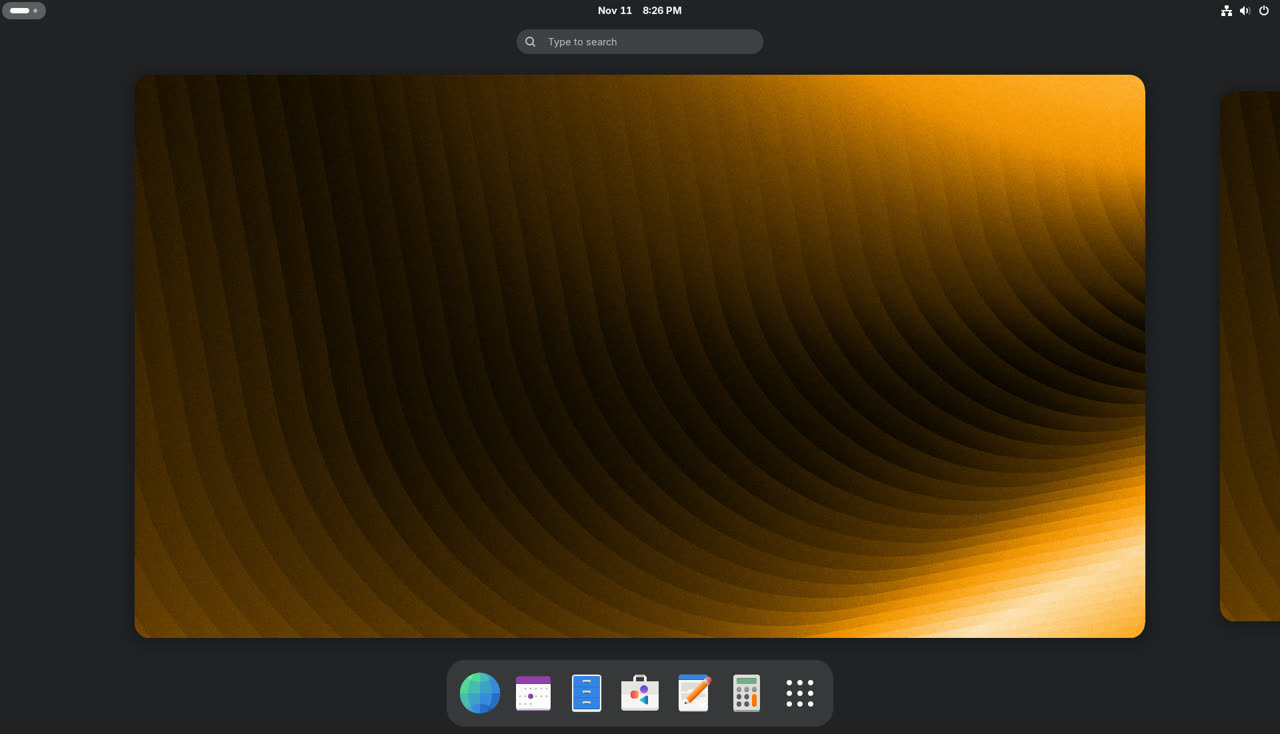
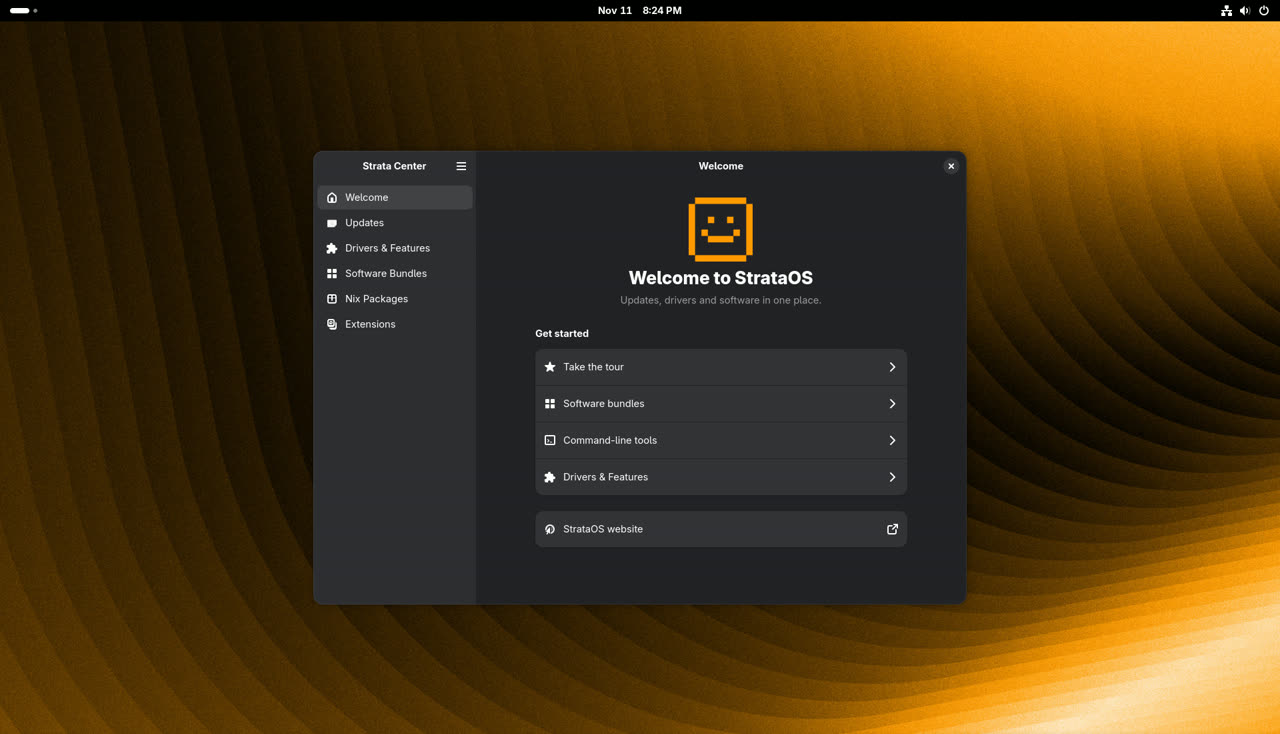
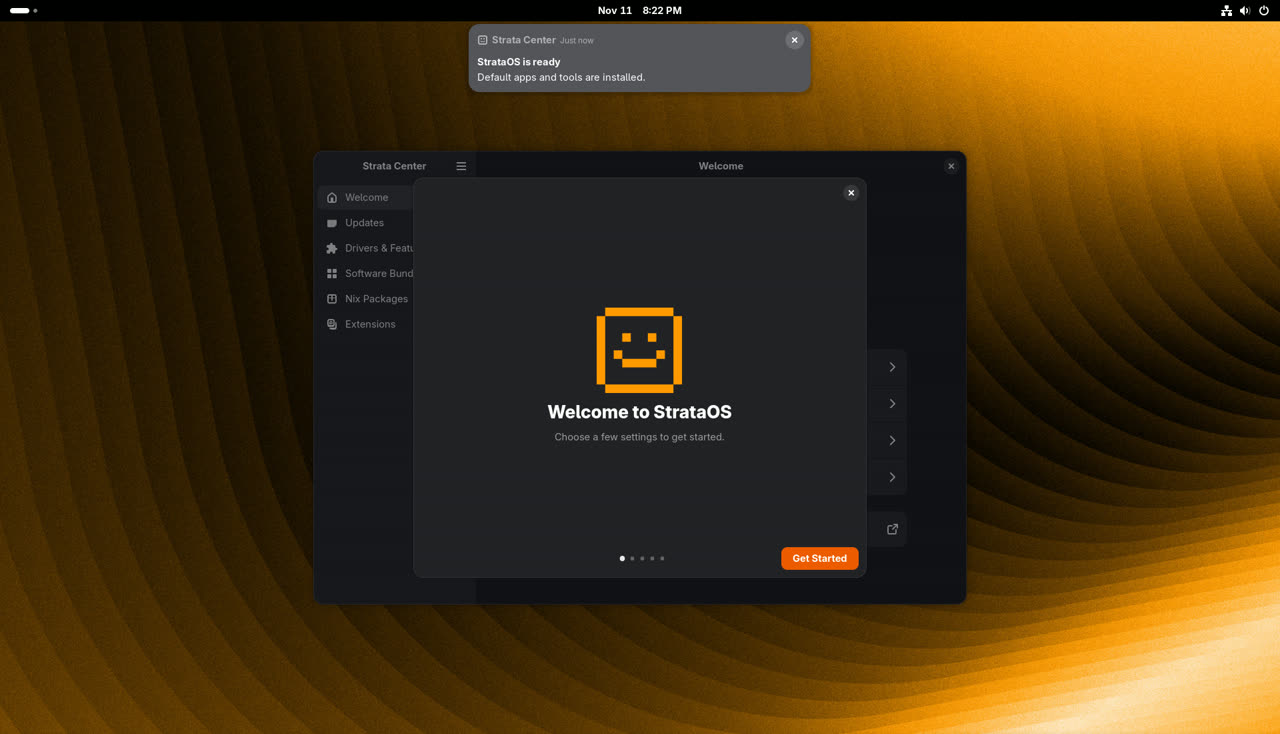
A normal GNOME desktop with StrataOS colors and wallpapers, plus Strata Center for updates, drivers and extras.
The system image cannot be changed by apps or by accident. Your home folder and settings are kept apart from it.
Apps come from Flatpak and Flathub. Command line tools come from Nix. System extensions add the rest.
Each update is signed and goes into a second slot. If it does not boot, the previous version starts instead.
The base system stays read-only, so command line tools come from Nix instead of a system package manager. Nix comes set up and ready to use.
Anything in nixpkgs works: compilers, language runtimes, editors, CLI tools.
Packages go into your own profile. Nothing touches the base, and removing them leaves no trace.
The Nix store lives outside the system image, so OS updates and rollbacks keep your tools.
Prefer clicking? The Nix Packages page in Strata Center can search, install and remove for you.
nix search nixpkgs ripgrep
nix profile install nixpkgs#ripgrep
nix profile list
nix profile remove ripgrep
nix shell nixpkgs#python3
nix shell gives you a tool for one session only, without installing it. More in the Nix manual.
Get the latest ISO. Older builds are in /iso/.
Optional, but a good idea. Get SHA256SUMS, SHA256SUMS.gpg and the signing key, then run:
gpg --import strataos-release.pub.asc
gpg --verify SHA256SUMS.gpg SHA256SUMS
sha256sum --ignore-missing -c SHA256SUMS
Key fingerprint: 884C 3F17 4DC2 452B B936 C411 BC61 45A6 F941 7BFF
Use Fedora Media Writer or GNOME Disks (Restore Disk Image). On the command line:
sudo dd if=strataos-latest-x86_64.iso of=/dev/sdX bs=4M status=progress oflag=syncReplace /dev/sdX with your USB stick. Check twice.
Start the PC from the USB stick, usually with F12, F8 or Esc at power on. Pick the disk in the installer and follow the steps. The GNOME OS install notes apply here too.
Open Software to install apps from Flathub, or use flatpak install flathub <app>.
Use Nix, see Nix on StrataOS above.
Strata Center checks for updates and tells you when one is important. You can also run updatectl update.
Hold Space during boot to open the menu and pick the previous version.
Most things work the same as on GNOME OS. See the GNOME OS site and the GNOME help pages for the desktop itself.